
Orbita Mouse Unboxing: squeezable wireless compass-enabled mouse
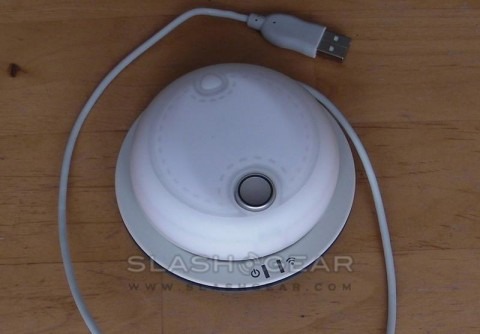
Cyber E-Style's Orbita Mouse caught some attention last month with its promise of full-spinning, squeezable flexibility. Fitted with a digital compass, the Orbita can be free-rotated for as much scrolling as you like, yet will always know which direction is up. Promising stuff, so SlashGear was keen to get the Orbita in for a play; it landed on our desk today, and so we've thrown together an unboxing video and preliminary gallery to keep you occupied until the full review.Check out the video unboxing of the Orbita Mouse after the cut
In the box there's the Orbita mouse itself – a silicone-covered blob around 3.5-inches in diameter – together with the combination wireless receiver and charger base-station, an alternative 'foot' ring for the mouse, a neoprene carry pouch, manual and driver CD. You can't pick the mouse up without it clicking: the whole top surface is a button, and all around the sides there are button panels too. On the desk, it rotates freely with little friction; you can either start it spinning with a twist of the edges, or rest your finger in the silver indent on top for more precision control.
We'll cover setup, what all of the buttons do, the driver software and – most importantly – usability in our full review. Until then, enjoy the unboxing video and initial gallery!
]