
DIY Wiremap: projected 3D object tutorial
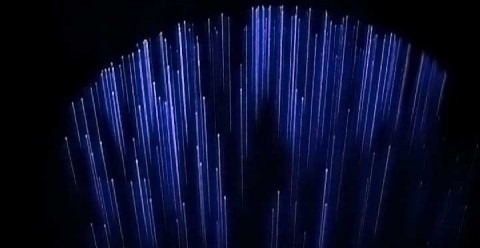
Last year, Albert Hwang debuted the Wiremap, an array of tightly-strung cables that, with a projector, could be used to create visual 3D models. Boiled down, the process relies on some carefully-spaced vertical strings that each align with a single column of projected pixels. At the time, Hwang made the whole thing available under the Creative Commons licence; now he's back with an Instructable, just in case you'd like to make your own Wiremap.Video demo of the Wiremap in action after the cut
Assuming you already have a computer and a projector, the project can be put together relatively cheaply. It looks to be pretty time-consuming, though, as you need to make sure each of the cables are properly spaced; if not, then the projection will be off.
The number of wires used affects the resolution of the overall Wiremap; 256 seems a sensible thing to aim for on your first attempt, but higher-resolution is certainly possible. According to Hwang, one of the perhaps unforeseen limiting factors is that standard projectors aren't intended to focus in 3D – i.e. across all the distances the wires are strung at – and as such you get some blurring. Tricky to make, but very cool.
[via Hackszine]