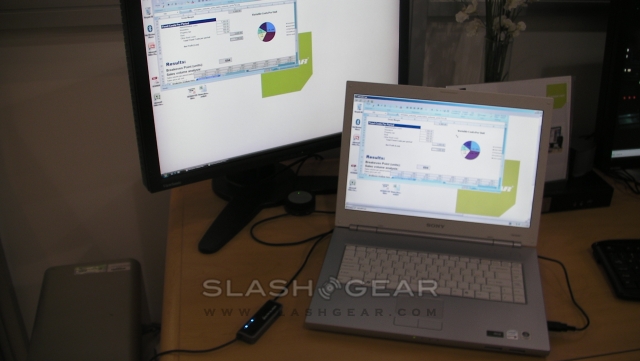
CES 2009: USB Laptop KVM Switch with file transfer by IOGear
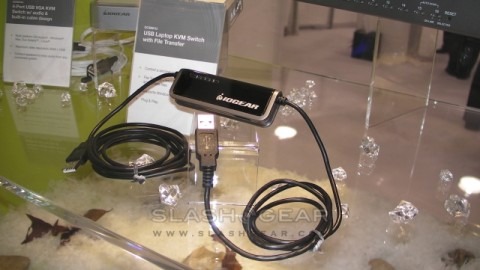
Today we had the opportunity to sit down and talk to IOGear about a few new and innovative products, one of which is the USB Laptop KVM Switch with file transfer. While it may not look like much, this cable allows you to fully control your computer from your laptop.
As the smallest KVM switch that IOGear offers, you just plug it in any time you would like to transfer files or even if you would like to jump on your desktop for a moment without using the other keyboard and mouse. There is also an extra USB 2.0 ports for the addition of storage device such as an external hard drive or desktop server.
There is no need for an additional power source as it is powered directly through the USB cable. Using Desktop Image Scaling you wont have to manually adjust your desktop to fit on our laptop screen. One click screen switching makes this device very simple and straightforward to use. For right now only Windows 2000 or higher, XP and Vista are supported.