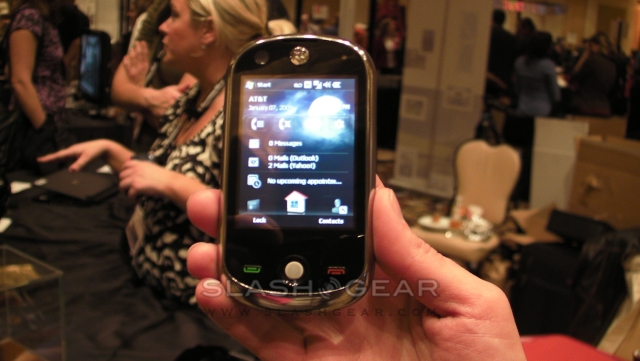
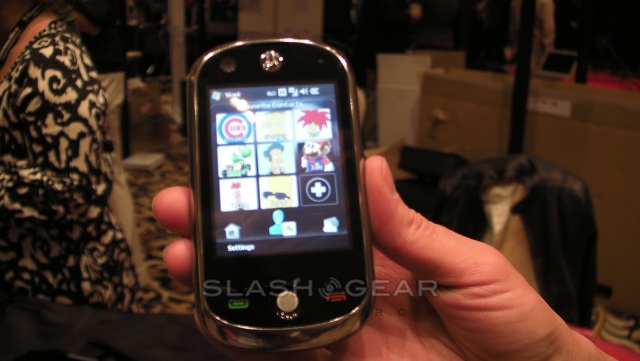
CES 2009: Motorola A3100 gets a little love and UI hands on
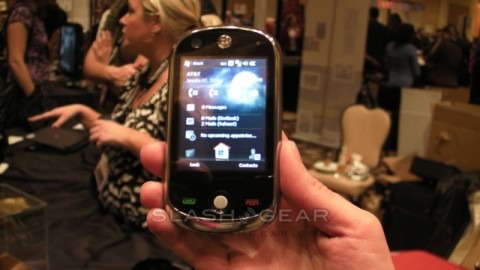
SlashGear had the opportunity to play with the Motorola A3100's user interface today and must say we are pleasantly surprised. There are many widgets laid out in a wheel that can be scrolled left or right a lot like you would when using a mobile phone with TouchFLO 3D.
The Motorola A3100 was a lot lighter than it appears, weighing in at only 119g. The front of the device has a 2.8-inch touchscreen with a talk and end button on both sides of a scroll ball that is just like that found on a BlackBerry smartphone. The 3.1-megapixel camera has a designated camera key, autofocus and designated camera key. You may also notice the forward facing VGA camera for video calling.
If you enjoy music or taking a lot of photos the microSD card slot provides up to 16GB of expanded storage. The A3100 runs Windows Mobile 6.1 Professional with a Qualcomm MSM7201A 528 Mhz processor and 256 MB flash memory. There is also support for Bluetooth, Wi-Fi and GPS with AGPS. The standard Li-Ion 1170 mAh battery provides up to 298 hours of standby with up to 6 hours and 48 minutes of talk time.