Asus Eee PC 1000HA Review
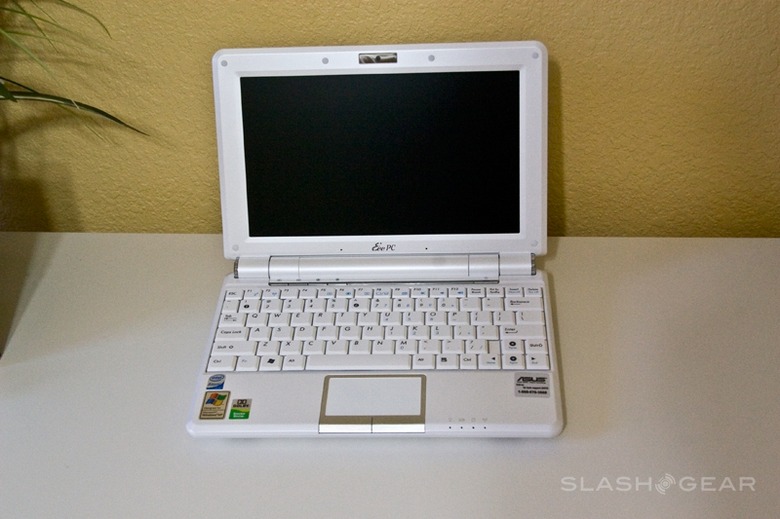
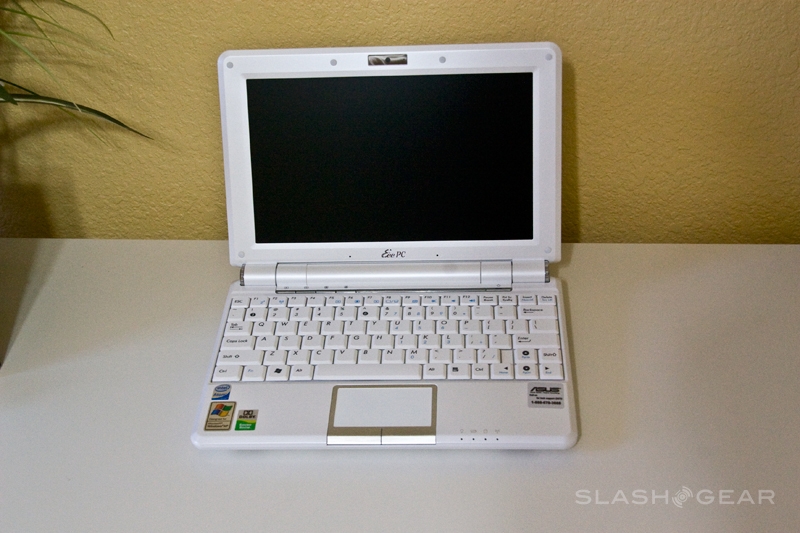
The choice of ASUS Eee PC models keeps getting larger, and the company shows little sign of stopping until there's a netbook variant for every individual person on the planet. On the SlashGear desk today is the Eee PC 1000HA, part of the company's largest 1000-series netbooks but coming in at the relatively bargain price of $429.99. Could this be the best balance of budget and functionality to date?
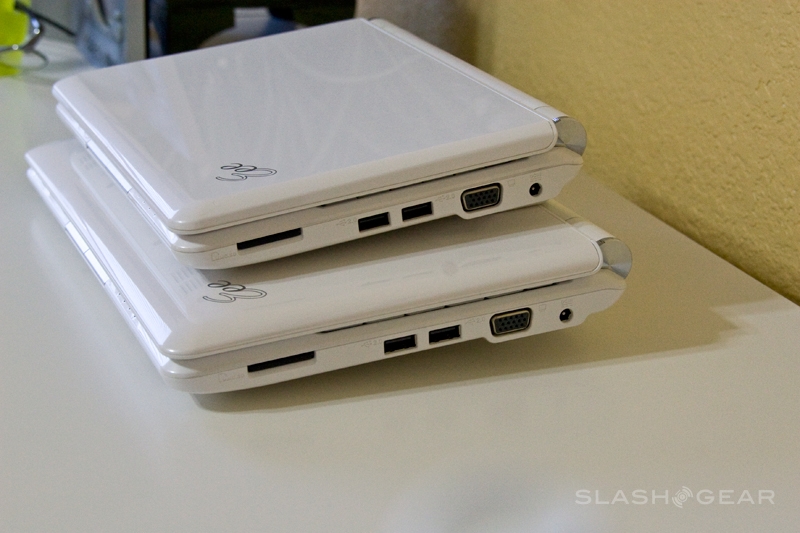
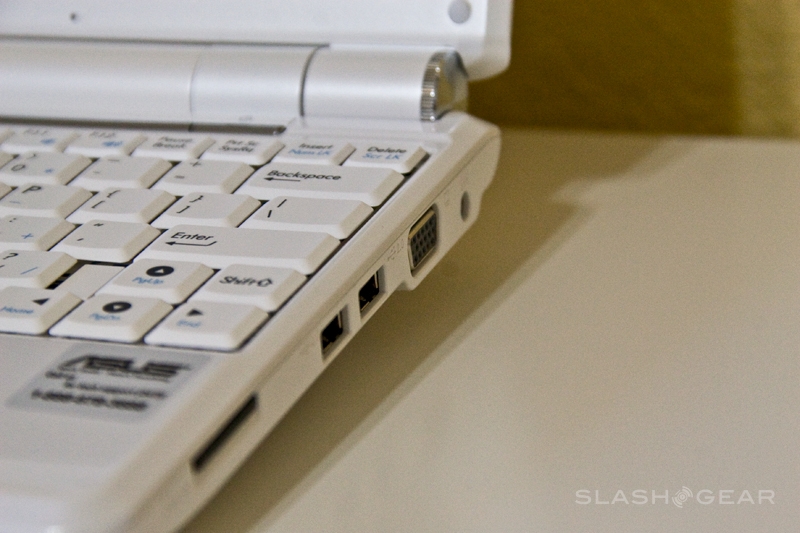
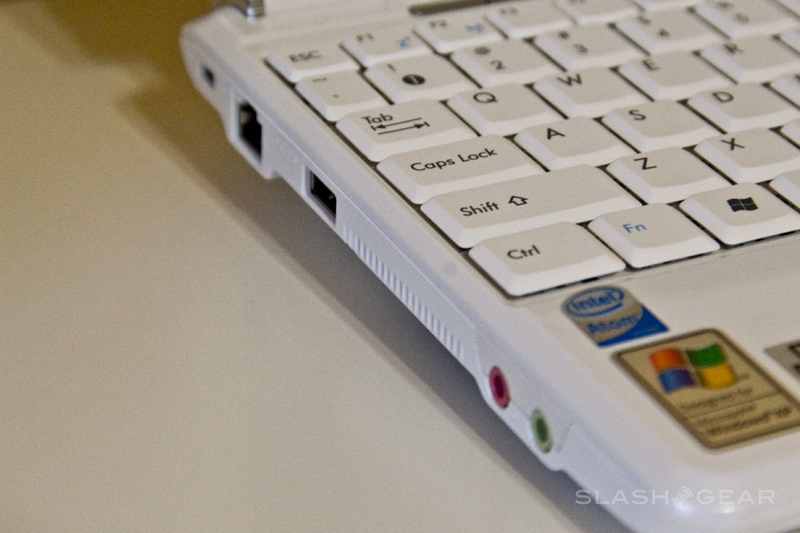
Your $430 gets you a 10-inch WSVGA 1024 x 600 display with LED backlight, Intel's 1.6GHz single-core Atom processor, 1GB of DDR2 RAM and a 160GB 5,400rpm hard-drive. Like just about every other netbook there're three USB 2.0 ports, a VGA output, audio in/out sockets, ethernet and a memory card reader (in this case an SDHC-compatible SD card slot). The 1000HA drops the draft-N wireless of the 1000H, and the Bluetooth, but keeps WiFi b/g, the 1.3-megapixel webcam and the 6-cell, 6600mAh battery pack. OS is Windows XP Home, and the whole thing measures 10.47 x 7.53 x 1.12-1.50 inches and weighs 3lbs 2.05oz including the battery.

As specifications go, that's pretty much par for the course in netbook circles. Storage choice comes down the usual compromise of the capacity of a hard-drive versus the speed and stability of an SSD; the 1000HA picks the former. It's a long way removed from the 2GB of the original Eee PC 700, and it makes for a machine that, intentions permitting, you could happily use as your everyday driver.
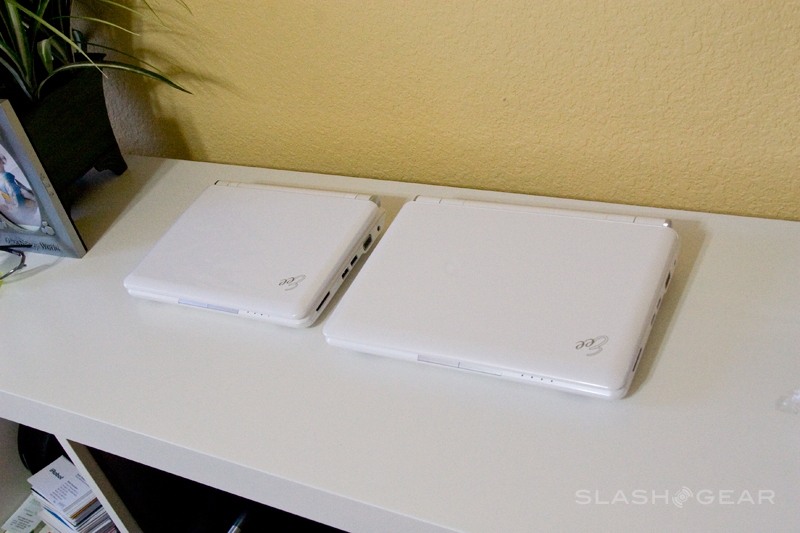
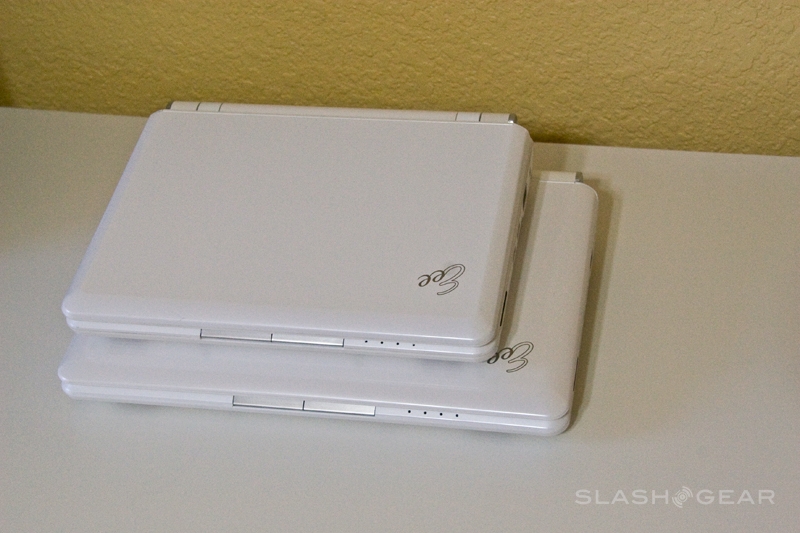
If capacity has rocketed up, styling has experienced a more gradual evolution. The 1000HA is still recognizably an Eee PC, with squared-off edges and the brushed metal trim around the trackpad and at the hinges. It's far higher quality, though, with both plastics and paint finishes being a few notches above earlier versions. The casing is unsurprisingly all plastic, rather than metal, but it feels sturdy and there's no sign of undue flex.
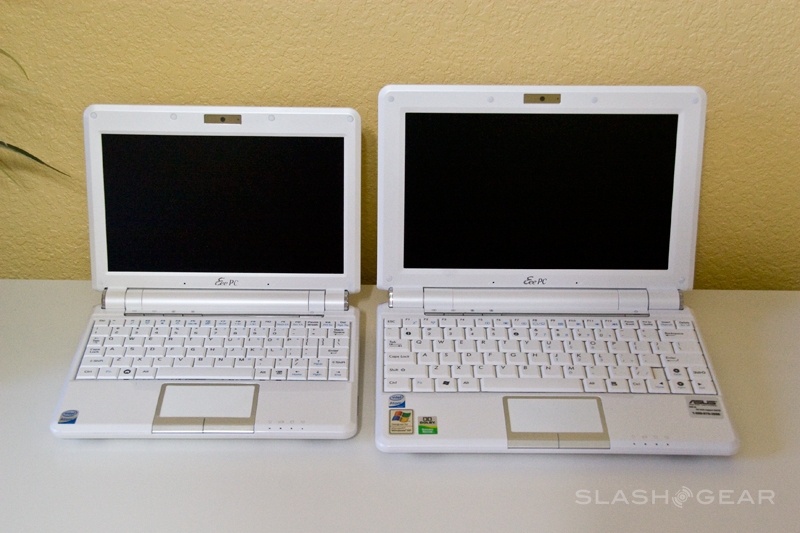
With a 10-inch display, the 1000HA is on the larger end of the netbook scale; in fact ASUS CEO Jerry Shen has recently re-confirmed that you won't see a netbook from the company with a larger LCD. That's no disappointment with this particular panel: bright, with very consistent backlighting and vibrant colors, it's a surprisingly impressive display given the price. The 1024 x 600 resolution is a reasonable compromise between fitting standard apps and webpages while keeping icons and text visible.


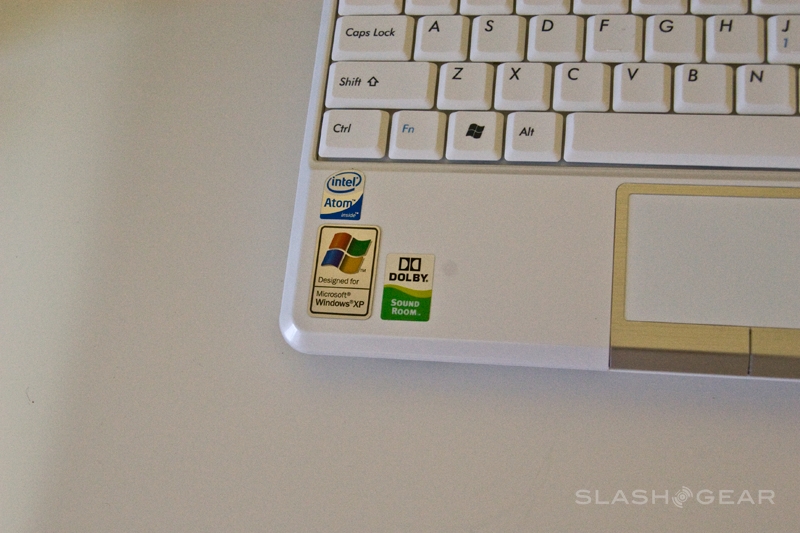
ASUS claim the 1000-series keyboard is 95-percent the scale of a standard, full-sized 'board. There have been fewer concessions made compared to rival netbooks in terms of rearranging the layout, but it still takes a little getting used to. We would've preferred slightly stiffer springing; the combination of being close-set and overly easy to press makes accidental key-strokes common, at least initially.
Performance was as you'd expect for an Atom-powered netbook with 1GB of RAM and a traditional hard-drive, speedy enough to open several browser tabs while playing music in the background. Skype video calls are also stable and lag-free (connection depending, of course), and only the integrated Intel GMA 950 graphics scupper serious multimedia performance.
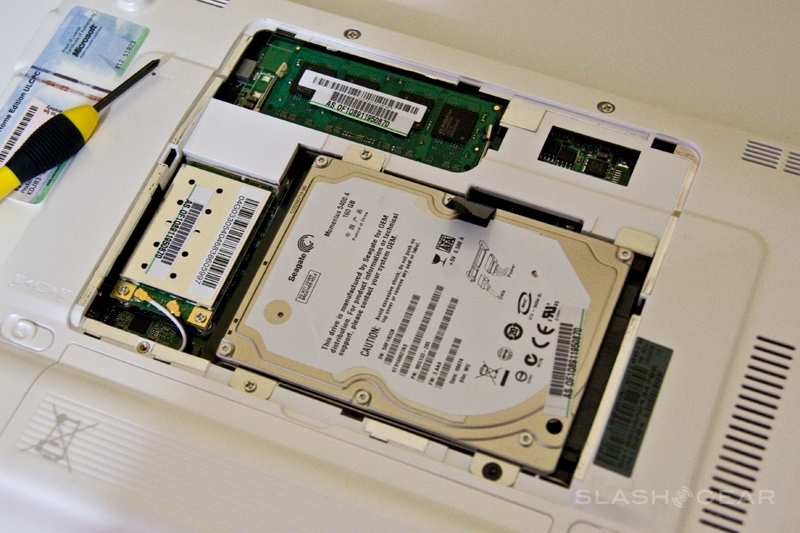
ASUS have also made upgrading the 1000HA straightforward. The hard-drive, RAM slot and wireless card are all accessed via a single, large panel on the underside, and there's no "warranty void" sticker to prevent you from opening up and poking about. It grants the 1000HA more longevity, with the prospect of adding faster WiFi, more storage or extra RAM as budget allows.
One thing you can't swap out are the speakers, and the 1000HA makes a particularly poor stab at music. Like many netbooks they lack everything but weedy treble, and will soon have you reaching for your headphones. While we're on the subject of disappointments, we'd like to have seen more memory card options, too; the 1000HA's slot supports MMC and SD (including SDHC) cards, but rival netbooks manage to add memory stick and other formats, while the Acer Aspire One even fits a second SD slot for longer-term storage expansion.

Battery claims for the 6-cell pack on the 1000HA are up to seven hours use; as you might expect, the only way to achieve that would be to not actually use the netbook at all. With screen backlighting set midway, WiFi switched on and the Eee PC itself managing its own power throttling (which ASUS call the "Super Hybrid Engine") the 1000HA lasted around 4.5hrs.
With no integrated 3G WWAN, no Bluetooth, no particularly stand-out functionality and a reasonably bland design, the ASUS Eee PC 1000HA is never going to be a huge statement piece. However it succeeds because, for most people, that's not what a netbook needs to be. For $429.99 you're getting a capable internet and messaging machine that's durable, reliable and straightforward to use, together with enough battery life to demand, useage dependent, only one lunchtime recharge to get you through the work day. Compared with so-called "luxury" or feature netbooks, such as ASUS' own S101 or N10, the 1000HA makes a far more convincing case.