REGISTER LOGIN

Worth Reading?

NoYes

+21 [37 votes]

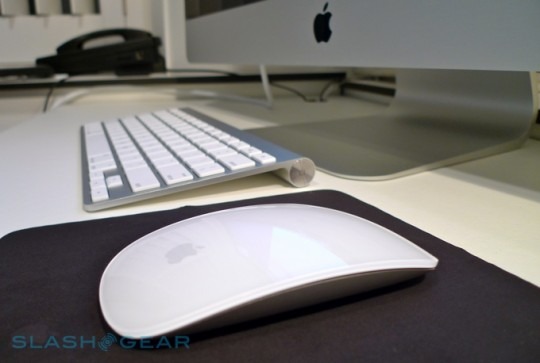
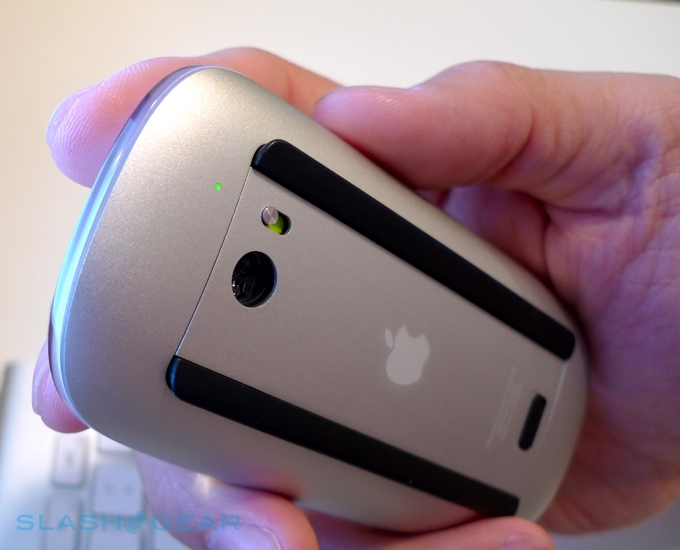
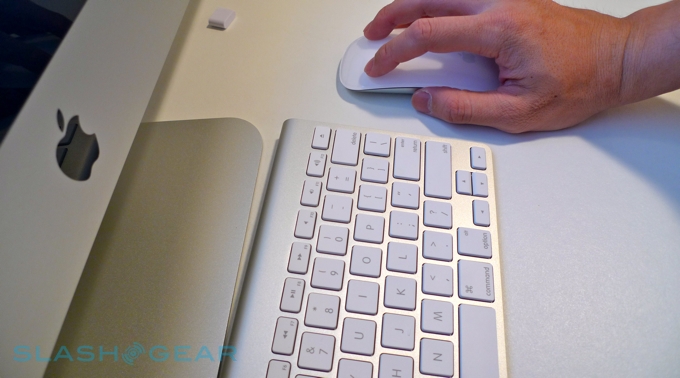
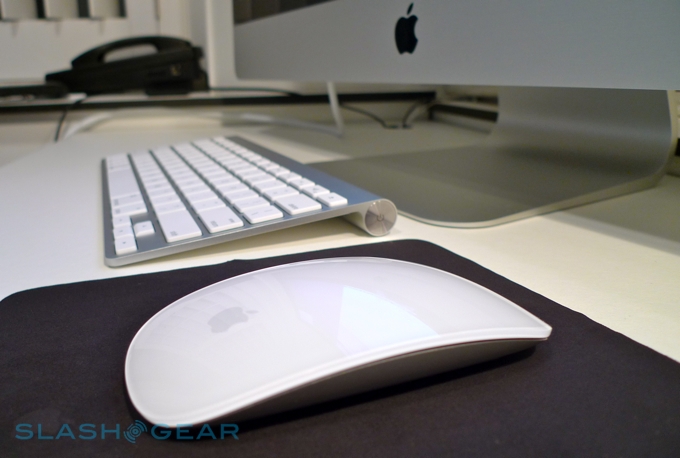
While the new 27-inch iMacs may be Apple’s eye-catchers, especially in Apple Stores, it’s the company’s new Magic Mouse peripheral that will find its way to the most desks. By junking the trackball of the Mighty Mouse and replacing it with a touch-sensitive surface, Apple have not only catered for the demands of desktop users calling out for multitouch, but bypassed ongoing reliability frustrations of the mechanical ball. After the cut, our live Magic Mouse gallery together with some hands-on first impressions.

apple magic mouse 1 r3media 540x363

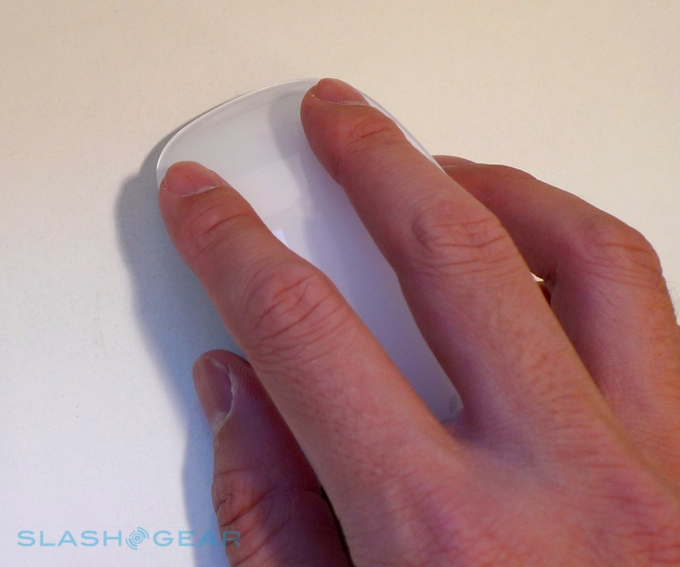
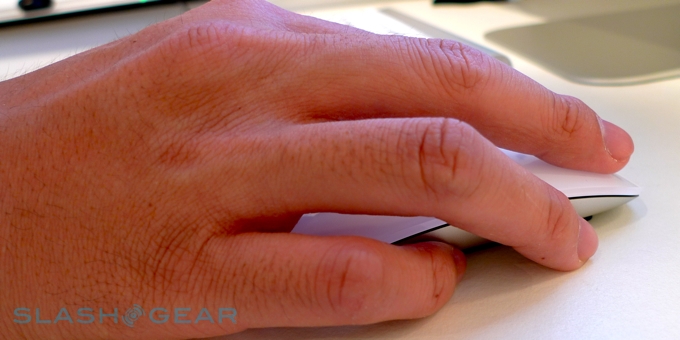
In the hand, the Magic Mouse is flatter than the Mighty Mouse, though the level surface does sit under the first two fingers neatly. It still clicks if you apply pressure – and will automatically choose a left- or right-click depending on where your fingers are in contact, just as before – but now recognizes one- and two-finger gestures. You’ll need to install the driver for anything more than basic mousing, which does demand a restart, but after that reconnection is as seamless as with its predecessor.

apple magic mouse 21 r3media 540x300

Something that’s oddly absent, though, is pinch-zoom. While the movement itself isn’t as natural on the Magic Mouse’s surface as the other gestures it recognizes, we’d still like to see it added in. There’s also no three-finger gestures like flipping between open apps on a MacBook Pro, or four-finger Exposé, and you can’t tap to click. We’ve had a quick trawl of the settings and it doesn’t look like this is something you can enable, either.

apple magic mouse 22 r3media 540x436

Still, two-finger side swipes work well, and the quad-directional scroll is just as you’d expect. We’ll be playing with the Magic Mouse some more before giving our final judgement.
Subscribe via RSS or Email | Read 18,950 times

6 Responses to “Apple Magic Mouse hands-on”

  1. Vlad Alexa October 20, 2009

    what do you mean by “will automatically choose a left- or right-click depending on where your fingers are in contact, just as before – but now recognizes one- and two-finger gestures”

    can you now simultaneously right click and left click ?

    on it’s system preferences the only listed action available in the 2 finger section is “swipe left/right”

    so are you are saying that 2 finger click is finally available now ?

    +1  Add karma Subtract karma  
    • Vincent Nguyen October 21, 2009

      Activating the “Secondary click” – you have the option of using the left of right side of the mouse. If you pick “Right” the right side becomes the secondary button and vice versa. Magic mouse just knows…get it?

      -5  Add karma Subtract karma  
      • Vlad Alexa October 21, 2009

        for the third time , i have asked if simultaneous click is possible , aka with 2 fingers , 1 finger on right button , 1 finger on left , then click , on mighty mouse this registers as a left click

        -3  Add karma Subtract karma  
        • Vincent Nguyen October 21, 2009

          YES. There’s an option to setup two-button click acting as a right click in System Preferences.

          -3  Add karma Subtract karma  
  2. Vlad Alexa October 21, 2009

    two-button click acting as a right click is as useless as two-button click acting as a left click

    let me put it another way , in many 3d applications and games you can perform actions by holding down both mouse buttons , that means right click+ left click registering as a right click + a left click

    Neutral  Add karma Subtract karma  
    • Notneeded October 22, 2009

      just go to a goddamn Apple Store and try it out for yourself, you tool.

      +1  Add karma Subtract karma  

Post a comment

Please login to leave a comment. If you haven't signed up, you can do so free here. Lost your password? Reset it. With SlashGear account, you will be able to participate on SlashGear Forums.